
A Grid System Anatomy
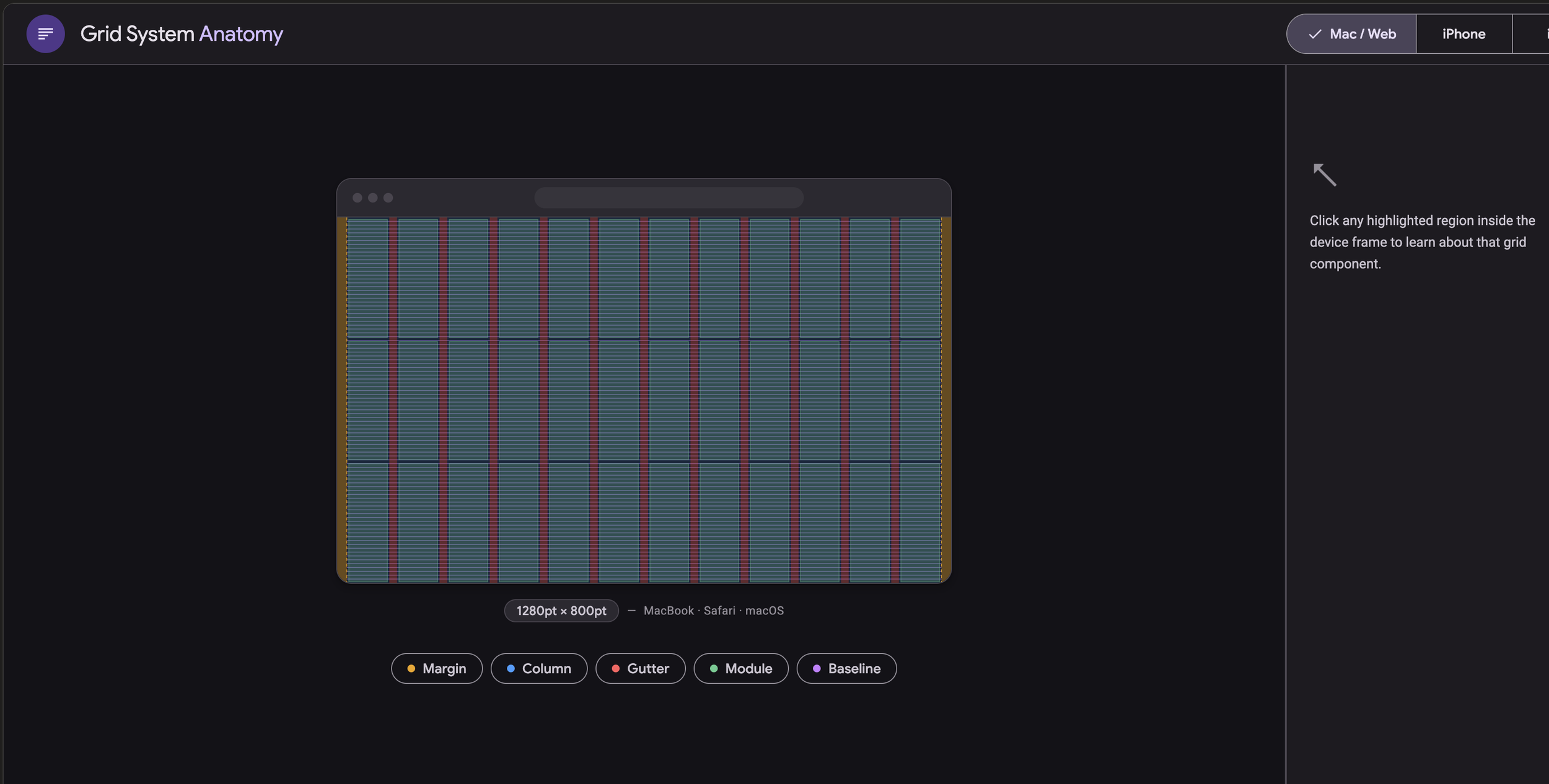
Try it HERE
Tools: Claude ai
Assets: Google search, Google Material Design System
Experimeting with Claude to make an HTML page that shows the anatomy of grid system for different devices.
My learnings
1. As of today, Claude makes UIs that look more sophisticated than Gemini Gem. At this point I’m still trying both.
2. I was able to ask Claude to use Google’s Material Design as its Design system guidelines.
3. There was a bug, and Claude is able to fix it by it self.(Though you have to tell it to fix)
4. I was able to fine tune and ask Claude to add paddlings around the buttons.
5. I learned about front end and back end and how JSON, CSS, HTML, Javascript work together from requesting, responding, to showing the UIs.
Thoughts
1. I think it’s really cool that it can work with a design system. My next step is to try making and using my own design system in the app. The goal is to gain full control of making the product.
2. If we step back and look at the entire design journey, can we use AI to:
a) explore product directions with real prototype?
b) quickly show the different design variations of new feature?
